GivEnergy ECO mode is the default charging setting for all GivEnergy home batteries.
However, there are a few other settings to suit users with different energy needs.
Here, we explain each charging setting in layman’s terms.
Don’t fancy reading the article?
Click below to watch GivEnergy Instagram Live Q&A with Lead Portal Developer, Sam Driver. At
around 4:30-11:17, Sam concisely explains each charging mode, including the default GivEnergy
ECO mode.
Battery charging basics
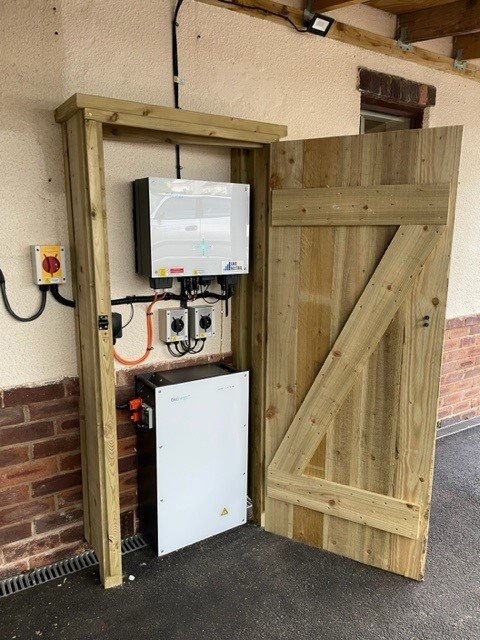
Once your GivEnergy battery storage system is installed, it will just work.
You can charge your battery from:
- Renewables (solar panels, wind turbine for home, etc.)
- The grid (good for users with a standalone battery storage system, taking advantage of smart time-of-use tariffs)
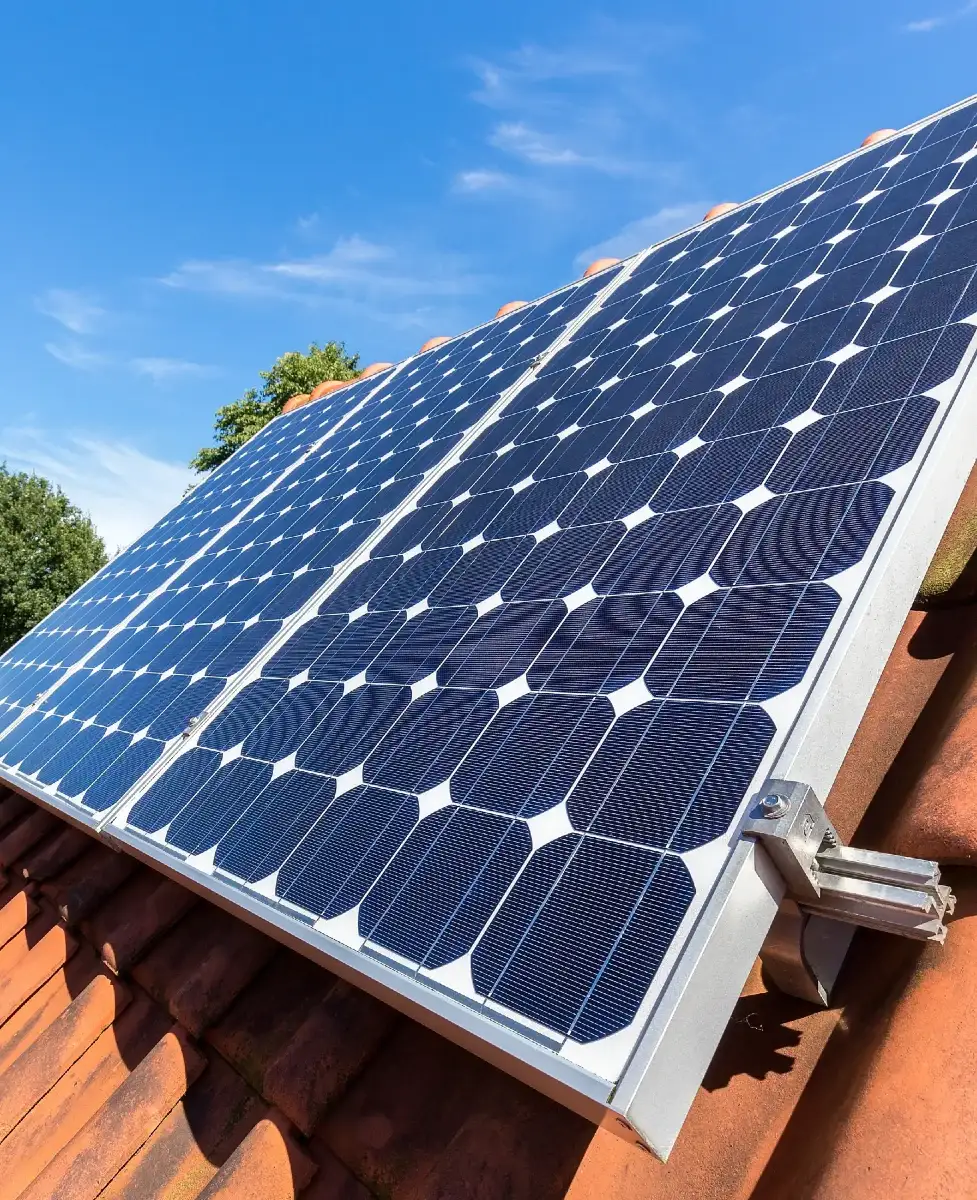
GivEnergy ECO mode is the default setting – using an inbuilt algorithm to charge and discharge intelligently, helping you to maximise self-consumption.
Should you wish to change to a different charging setting, you can do so via the GivEnergy app or portal.
Let’s look in more detail at each charging mode.
1. GivEnergy ECO mode
This is especially good if you have battery storage and solar.
When you produce excess solar energy…
… your battery will charge.
Picture a nice sunny day when your solar PV array is generating more energy than your property needs.
Your battery will charge using that excess solar, ensuring that you store energy for later use rather than wasting it or exporting it back to the grid.
When you don’t produce enough solar energy…
… your system will use energy left in the battery to cover your household demand.
Picture a cloudy day when your solar PV array is not generating enough energy to meet the needs of your property.
Your battery will discharge energy to cover your household electricity needs.
GivEnergy ECO mode is good for:
- Pretty much any user (hence why it’s the default mode)
- Users with a battery plus solar PV array
2. Timed charge
As the name suggests, you can set a timer for when your battery charges from the grid.
Let’s say you can get cheaper electricity between midnight and 7am. Set your battery to charge at this time, and then use the cheaper energy stored in your battery to run your property.

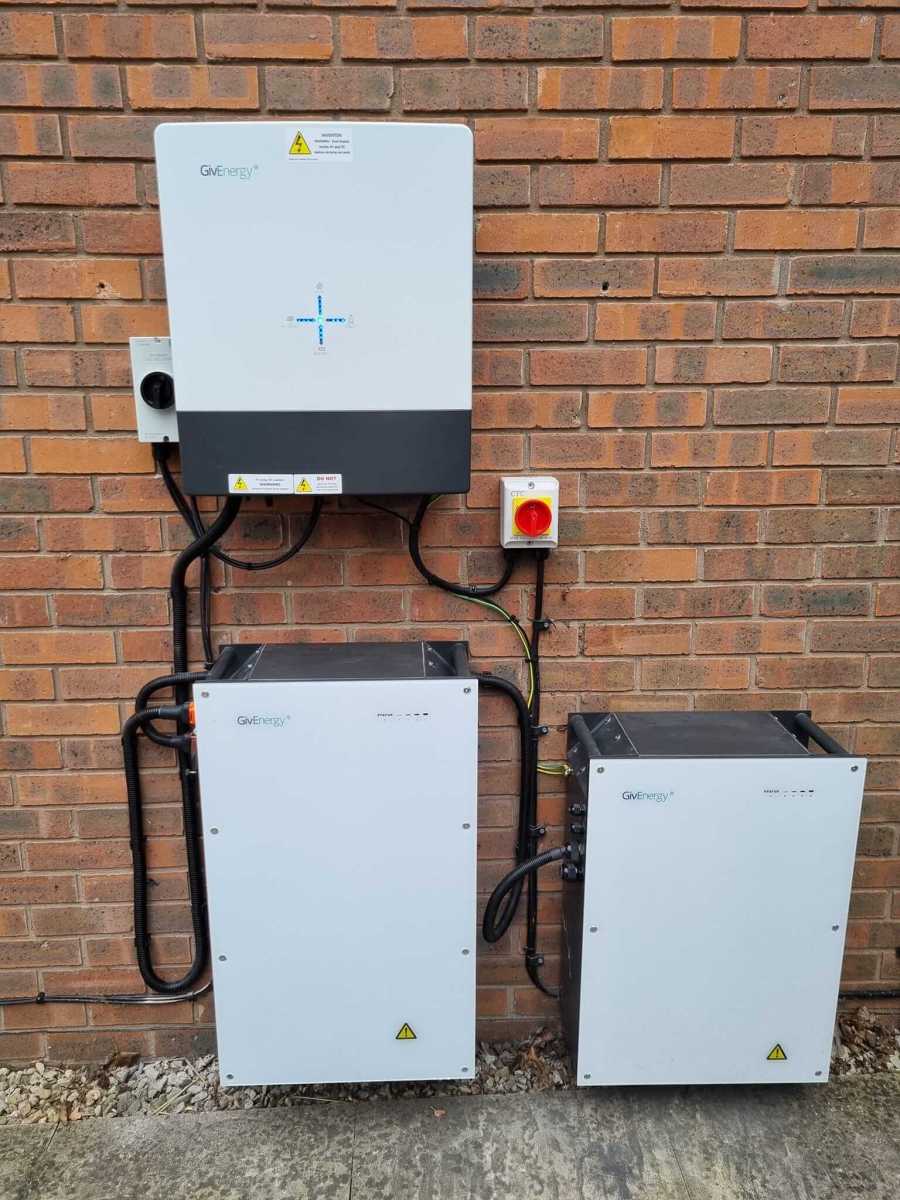
Timed charge mode is good for:
- Those with a standalone battery system (no solar, wind turbine for home, etc.)
- Those on a time-of-use tariff (different electricity prices at different times of the day)
3. Timed discharge
Like mode no. 2 but for discharging.
Timed discharge allows you to set a timer for when your battery discharges to meet your property’s electricity demand.
Let’s say your electricity tariff has high import charges during certain times of the day, most likely during peak hours.
By setting a timed discharge, you can make sure you’re using energy stored in your battery during the most expensive times, helping to avoid peak charges.
Timed discharge mode is good for:
- Those with a standalone battery system
- Those on a time-of-use tariff with high import rates at certain times of the day
4. Timed export
As the name suggests, this mode allows you to set a timer for when your battery exports energy to the grid.
Under timed export, your battery will discharge at full power. Any excess energy, i.e. more than your property needs, will be exported to the grid.
Imagine you’re on an export tariff, such as one of the Octopus Outgoing tariffs.
The timed export mode allows you to export during specific times, such as when export rates are highest.
Timed export is good for:
- Those on an export tariff (get paid to export electricity to the grid)
- Those on a dynamic export tariff (export rates vary throughout the day)
A couple of other settings to note
Setting discharge limits
If you have an emergency power supply (EPS), limiting how much your battery discharges could come in handy.
Want to have at least 30% battery in case of a power cut? Just set the battery discharge limit to 30%.
Setting charge limits
This could be useful if you want to leave room in your battery to charge from solar.
Let’s say your battery charges from the grid in the early hours of the morning. However, you’re anticipating sunny weather later in the day. You want to leave capacity in your battery to take advantage of a big solar charge.
So, you limit your battery to charge to 75%, leaving you at least 25% capacity for solar.
Remember…
… GivEnergy ECO mode is the default charging setting for home battery storage systems.
This is the best setting for most users. However, don’t be afraid to explore the other options. It all depends on how your system is set up, your electricity tariff, energy needs, etc.

Remember that you can control charging modes from the GivEnergy app or portal.